Learning Examples | Foundations | Hacking | Links
Examples > Keyboard Library
Keyboard Serial
This example listens for a byte coming from the serial port. When received, the board sends a keystroke back to the computer. The sent keystroke is one higher than what is received, so if you send an "a" from the serial monitor, you'll receive a "b" from the Leonardo (or Due). A "1" will return a "2" and so on.
NB: When you use the Keyboard.print() command, the Arduino takes over your computer's keyboard! To insure you don't lose control of your computer while running a sketch with this function, make sure to set up a reliable control system before you call Keyboard.print(). This sketch is designed to only send a Keyboard command after the Leonardo has received a byte over the serial port.
Hardware Required
- Arduino Leonardo, Micro, or Due board
Software Required
- none
Circuit
Connect your board to your computer with a micro-USB cable.
Once programmed, open your serial monitor and send a byte. The Arduino will reply with a keystroke that is one number higher.
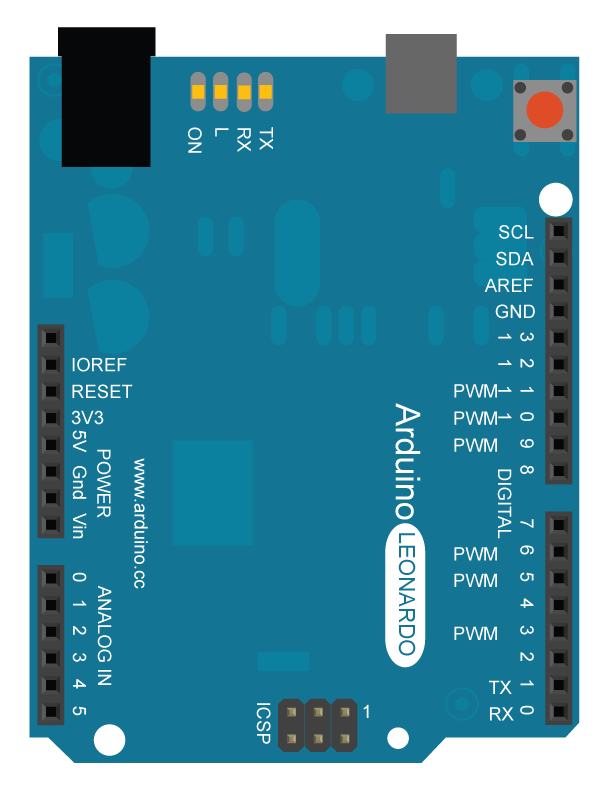
image developed using Fritzing. For more circuit examples, see the Fritzing project page
Code
Keyboard test
For the Arduino Leonardo or Micro
Reads a byte from the serial port, sends a keystroke back.
The sent keystroke is one higher than what's received, e.g.
if you send a, you get b, send A you get B, and so forth.
The circuit:
* none
created 21 Oct 2011
modified 27 Mar 2012
by Tom Igoe
This example code is in the public domain.
http://www.arduino.cc/en/Tutorial/KeyboardSerial
*/
void setup() {
// open the serial port:
Serial.begin(9600);
// initialize control over the keyboard:
Keyboard.begin();
}
void loop() {
// check for incoming serial data:
if (Serial.available() > 0) {
// read incoming serial data:
char inChar = Serial.read();
// Type the next ASCII value from what you received:
Keyboard.write(inChar+1);
}
}
See Also
