LcdBarGraph Library for Arduino
Author:  Balázs Kelemen
Contact: prampec+arduino@gmail.com
 1.0 2010-02-21: Initial Release
 1.1 2011-12-11: Make it compatible with Arduino 1.0
 1.2 2012-04-27: Fix of Robert Klotz for values greater than 1650. (Thank you Rob!)
 1.2 2012-10-08: Patch for custom positioning of the bar.
 1.3 2012-12-18: Applying "positioning" path in the official release.
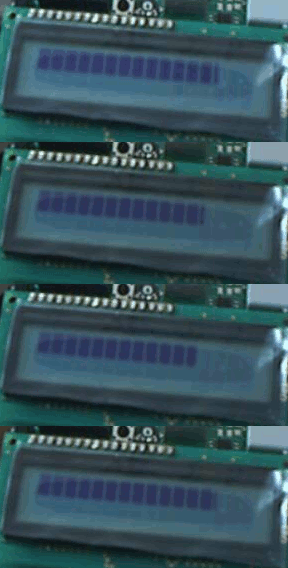
LcdBarGraph is an Arduino library for displaying analog values in LCD display, which is previously initialized. This library uses LiquedCrystal library for displaying.
The inspiration was come from the video Arduino EMF detector . After watching was wondering what a big work is to build a led bar. Why not use a higher level implementation? And the LcdBarGraph was born.
Please fill free to port this idea to other LCD libraries like arduinoshiftreglcd .
I wanted to leave LcdBarGraph as simple as possible. But the folks asked for the possibility of allow custom positioning of the bar. So, at the version 1.3 I've added this option.
I still do encourage you to make your modification in the library for your own use. (But do not forget about the GPL license, so please publish your modifications!)
Do not hesitate to contact me if you have some wishes, or just find the library useful.
Download here:
Extract the zip in your library folder. Restart the Arduino Ide.
First you need to set up the LiquidCrystal library as usual. After this you can create LcdBarGraph instance with the just created LiquidCrystal instance. You should pass the reference of the LiquidCrystal to the constructor of the LcdBarGraph, as you can see in the exampe.
You also need to specify the number of character columns in the LCD which is unfortunately not available from the official LiquidCrystal library.
Draw a bargraph with a value between 0 and maxValue.
| Last Modified: | December 18, 2012, at 02:57 PM |
| By: | prmpec |