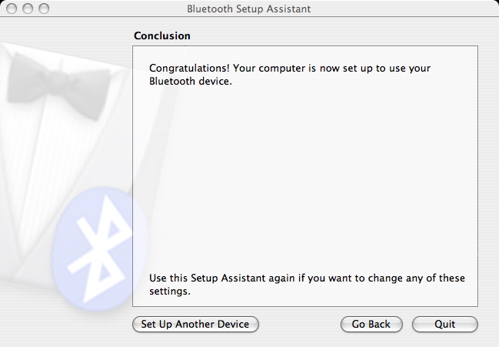
Setup Arduino BT on a MAC running OS X 10.4
1. Open System Preferences> Bluetooth.
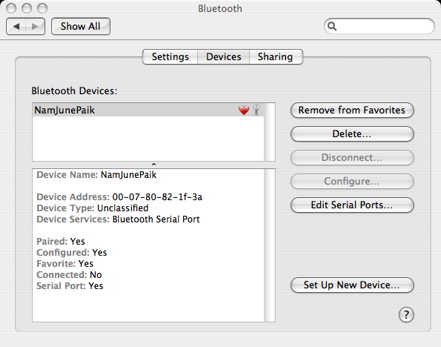
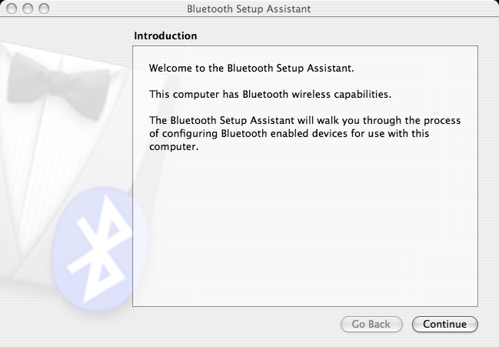
Click "Set Up New Device".
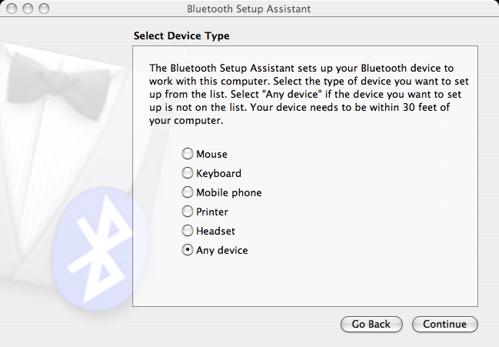
2. Select "any device".
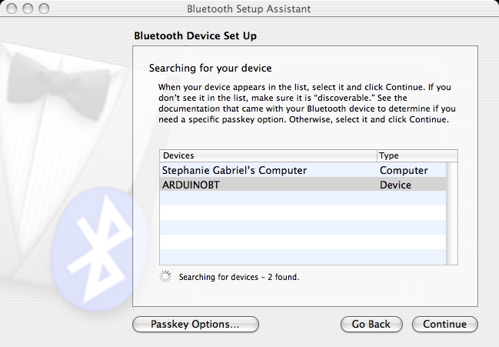
3. Select the Arduino device and continue.
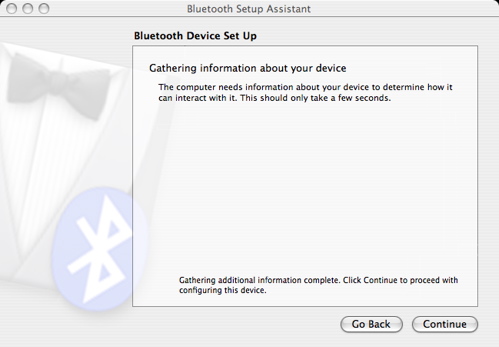
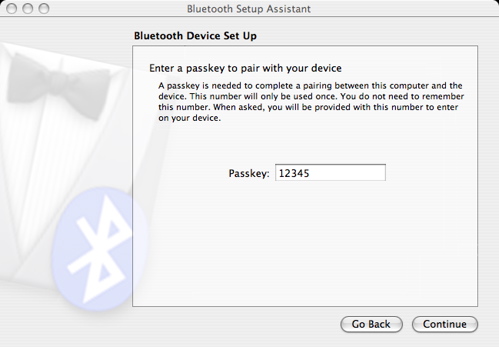
4. Enter the default passkey (12345) for pairing:
7. All done! The Arduino BT should show up as a virtual serial port in your applications