embedXcode: Arduino on Xcode
The Arduino IDE is great and provides plug-and-play and instant gratification but, sometimes, complex sketches require a more powerful IDE.
Also, some niceties are welcomed, as syntax colouring, line numbering, function highlighting, code-sense, template with parameters for a function, check-as-you-type, click-to-error, tool-tip texts, object browser, self documentation, git repository management, code snippets, ...
embedXcode supports Arduino 0023, 1.0 and 1.5 repositories.
• New! Release 26 fully supports Leonardo and Due —build, link and upload tested!


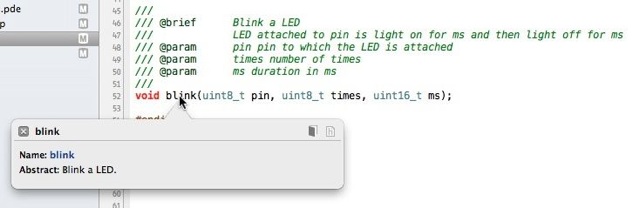
I tried Xcode because I own a MacBook. Xcode is flexible enough to deliver code-sense with just being provided the paths of the source libraries.
And the main benefit is faster development.
Modular Set of Makefiles
The paradigm is that a sketch consists on a standard C++ code, and thus processed accordingly.
embedXcode relies on a modular set of makefiles, which can be used with other IDEs. I use Xcode because I own a MacBook, but I tested the set of makefiles successfully with NetBeans.
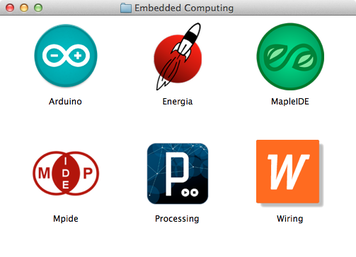
Adding another platform only requires writing a specific makefile for it. As at today, both Arduino 23 and 1.0 are supported, as well as 4 other Processing-based Wiring-derived IDEs: chipKIT MPIDE, Wiring, LauncPad and LeafLabs Maple.
Dedicated Website and Forum Thread
The dedicated website includes
- documentation,
- features,
- tutorial,
- download
- and more!
Check the thread Arduino on Xcode Project — Official Thread on the Arduino forum.
